📱From Screen Time to Build Time: Getting Kids to Make Things Instead of Scrolling
Banning the phone rarely works. A simple 4-weekend plan parents can use to swap watching for making, using the screen to control something their child built.
In this article (16)
- Why "just put the phone down" does not work
- Use the screen, do not ban it
- A simple 4-weekend plan
- Weekend 1: Build together
- Weekend 2: Make it move
- Weekend 3: Change one thing
- Weekend 4: Show and tell
- Signs it is working
- Common mistakes parents make (we have seen them all)
- Where to start
- Frequently asked questions
- What age can children start building robots?
- How much time should we spend on it?
- My child gets frustrated when it does not work. What should I do?
- Is block coding real coding?
- Do we need a laptop?
Most parents we speak to have the same worry: "My child spends hours on the phone. How do I get them to build something instead?" Taking the phone away usually ends in a fight. What works better is giving that same curiosity something real to do with its hands. This guide shares what we have seen work with children aged 8 to 18 in our kits, classes and workshops.
Short answer: do not fight screen time with "no screens". Swap watching for making. Pick one small project your child can finish in a weekend, build it with them the first time, and let the screen become the tool that controls what they built.
Why "just put the phone down" does not work
Games and videos are designed to be easy to start and hard to stop. A box of parts is the opposite: harder to start, but much more satisfying to finish. Children need help with the start, not a lecture about the phone. Once a child sees their own robot move, the phone stops being the only exciting thing in the room.
Use the screen, do not ban it
Here is the trick that works for most families: let the phone or laptop control something the child built.
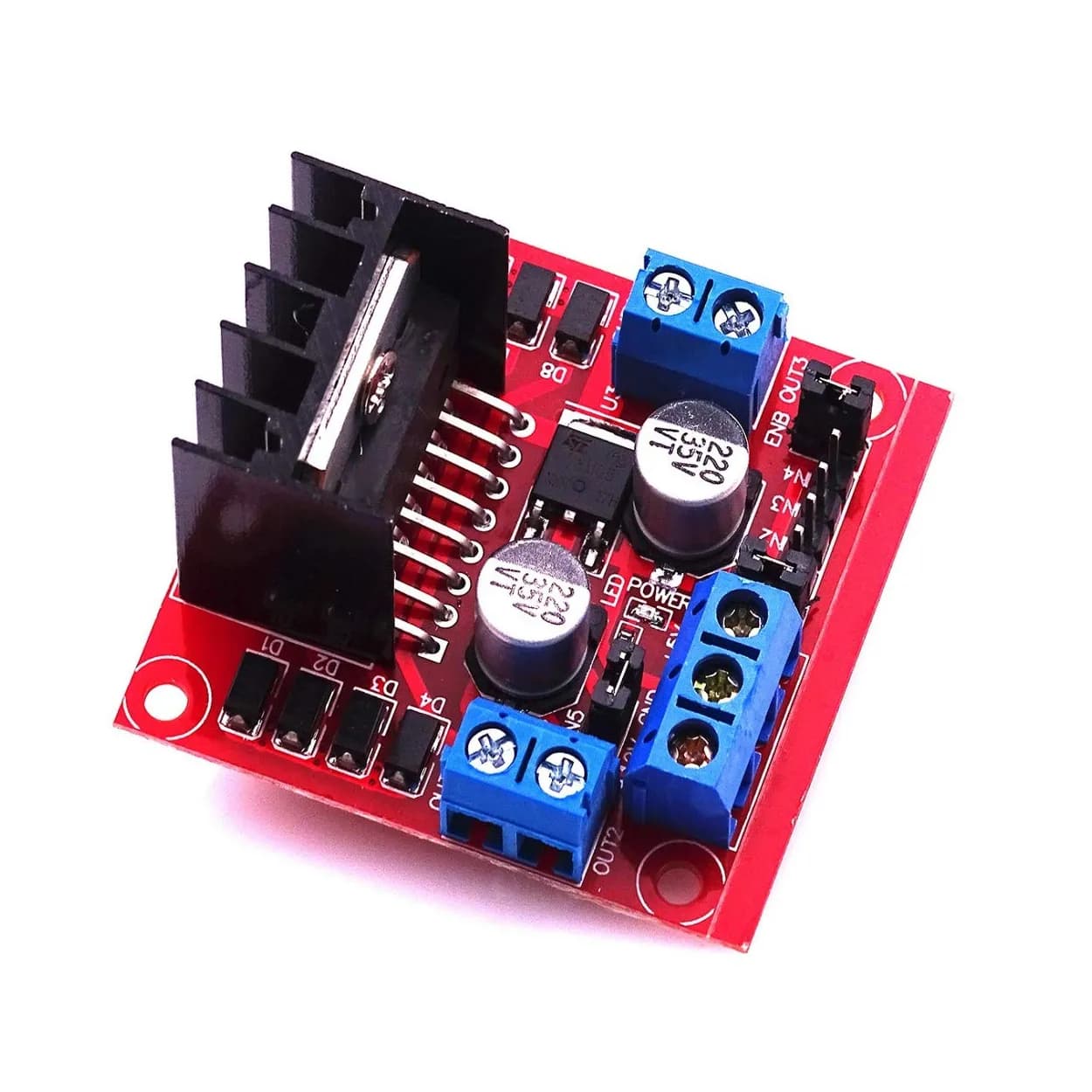
- Drive a robot car from the phone.
- Read the room temperature from a sensor on the phone over Wi-Fi.
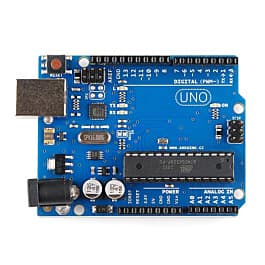
- Code a light pattern in block coding and watch it run on a real board.
The screen time is still there, but now your child is the creator, not the audience. That is a very different kind of screen time.
A simple 4-weekend plan
Weekend 1: Build together
Open the kit together. Follow the first video side by side. Let your child hold the screwdriver and plug in the wires; your job is to read the steps out loud and stay calm when something does not work.
Weekend 2: Make it move
Get the project working: the robot drives, the light blinks, the sensor shows a number. This is the "wow" moment. Take a short video and let your child show it to family or friends.
Weekend 3: Change one thing
Ask one question: "Can you make it go faster?" or "Can it beep when it gets hot?". Small changes in block coding teach more than any theory.
Weekend 4: Show and tell
Let your child explain the project to someone else: a grandparent, a friend, a teacher. Explaining is how children find out what they really understood. It is also great practice for a school science exhibition.
Signs it is working
- Your child asks for "five more minutes" on the robot, not the game.
- They start asking how everyday things work: lifts, traffic lights, phone chargers.
- They fix a loose wire on their own without calling you.
- They want to show their build to someone.
Common mistakes parents make (we have seen them all)
- Buying a kit that is too advanced. Start easy. A finished simple project beats an unfinished advanced one.
- Doing it for them. It is hard to watch a child struggle with a wire, but that struggle is the learning. Help with questions, not with your hands.
- Expecting it to replace all screen time overnight. Aim for one weekend project a month at first.
- Treating it like homework. Keep it a hobby. No marks, no pressure.
Where to start
If your child likes things that move, a robot car they can drive from a phone is a great first project, like our PICO BOT. If they like gadgets, an ESP32 IoT kit lets them control lights and sensors from a phone. Not sure which? Read which robotics kit is right for my child, or see all kits.
Frequently asked questions
What age can children start building robots?
Many children start around 8 with a parent helping, and build on their own from about 10 to 12. Experience matters more than age, so start simple whatever their age.
How much time should we spend on it?
One or two hours on a weekend is enough to start. Short, regular sessions work better than one long day that ends in frustration.
My child gets frustrated when it does not work. What should I do?
That is normal and useful. Take a short break, then check one thing at a time: battery, wires, then code. Fixing a problem teaches more than a build that works the first time.
Is block coding real coding?
Yes. Block coding teaches the same logic as typed code: steps, loops, conditions and variables. It just removes typing errors, so children focus on the thinking first.
Do we need a laptop?
For block coding in the browser, a laptop or desktop works best. Some robot kits can also be driven from a phone once they are set up.
Thinking Robot Team
Thinking Robot is a team of engineers and educators in Pune who design electronics and robotics kits and run hands-on workshops for students and schools. Spotted a mistake or have a question? Get in touch.