🧒Which Robotics Kit Is Right for My Child? A Parent's Guide (Ages 8 to 18)
How to pick a robotics kit your child will actually finish: three questions to ask, which kit suits which age and interest, robot vs IoT, and what to check on any kit before you buy.
In this article (15)
- Three questions to ask before you buy
- 1. How old is your child, and have they built anything before?
- 2. What does your child enjoy?
- 3. Who will help when they get stuck?
- Which kit for which child
- Robot or IoT? A simple way to decide
- What to check on any kit (ours or anyone else's)
- What comes with a Thinking Robot kit
- Frequently asked questions
- My child has never coded. Is that a problem?
- Do I need to know electronics to help?
- How long does it take to build a robot car kit?
- Will a robotics kit help with school?
- Is a robotics kit safe for children?
- Robotics kit or robotics class?
If you are trying to pick a robotics kit for your child, the hard part is not finding one. It is finding one your child will actually finish. A kit that is too easy gets boring in a day, and a kit that is too hard ends up in a cupboard. This guide is for parents of children aged 8 to 18 in India, and it is written by the people who pack and support our kits in Pune.
Short answer: for most children around 10 to 15 who have never built anything, start with a robot car they can drive from a phone and then code with blocks, like our PICO BOT. For a child who loves gadgets more than cars, or an older student, an ESP32 IoT kit is the better first step. If you are not sure, tell us your child's age and interests and we will suggest one honestly.
Three questions to ask before you buy
1. How old is your child, and have they built anything before?
A 9 year old who has never held a screwdriver needs a different start from a 15 year old who already codes in Python. Age matters less than experience. A 13 year old with no building experience should still start with a beginner kit.
2. What does your child enjoy?
Children who like cars, games and things that move usually love a robot. Children who like phones, weather, plants or "smart home" ideas usually enjoy IoT (Internet of Things) projects more. Follow the interest, not the label on the box.
3. Who will help when they get stuck?
Every kit gets hard at some point, and that is where the learning happens. Before you buy, check what help comes with it: videos, a printed guide, and a real person who answers questions. A cheap kit with no help often costs more in the end, because it is never finished.
Which kit for which child
| Your child | A good first kit | What they will build |
|---|---|---|
| Around 8 to 10, first kit | A simple kit built with a parent | A small robot or a light and sound project, built together over a weekend |
| Around 10 to 14, curious and hands-on | Robot car kit (for example PICO BOT) | A 4-wheel ESP32 robot they drive from a phone, then make it avoid obstacles and code it with blocks |
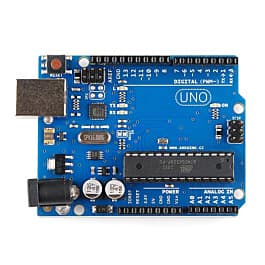
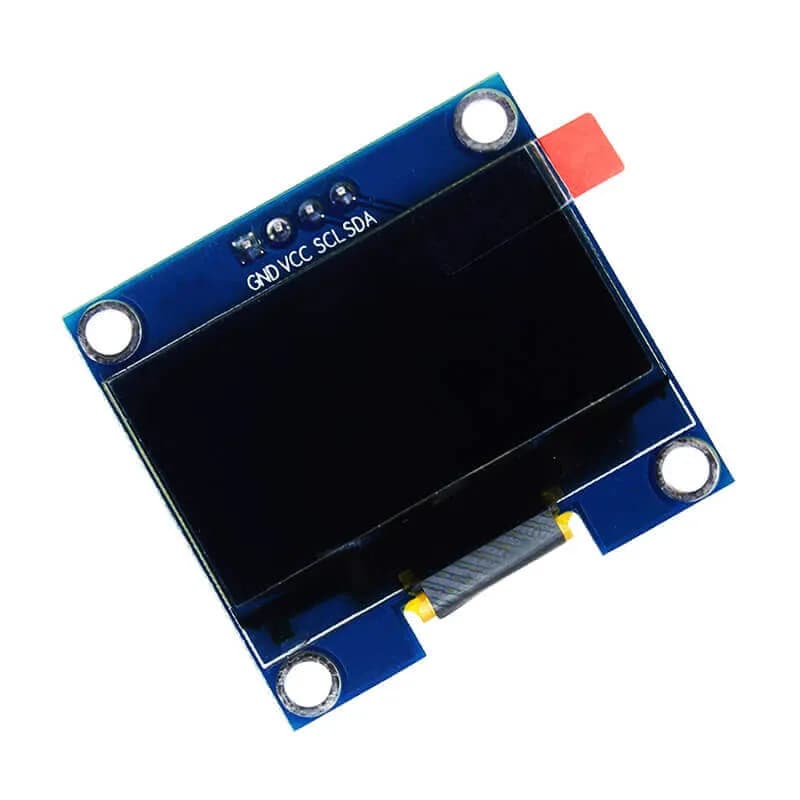
| Around 12 to 16, loves gadgets and phones | ESP32 IoT kit | Sensors, lights and displays controlled over Wi-Fi: temperature, motion, light |
| 14 to 18 or college, wants real coding | ESP32 or Arduino board plus free lessons | Their own projects in Arduino code, school exhibition models, mini projects |
These ages are a guide, not a rule. A keen 9 year old with a parent nearby can build a robot car, and a 16 year old who has never built anything will still enjoy one.
Robot or IoT? A simple way to decide
- Choose a robot car if your child gets excited when something moves. It is the bigger "wow" moment, and one build teaches wiring, motors, sensors and coding together.
- Choose IoT if your child is always asking "how does this phone app know that?". IoT connects electronics to the internet and the phone, which is what a lot of real engineering is today.
Neither is "better". The best first kit is the one your child is excited to open.
What to check on any kit (ours or anyone else's)
- Step-by-step videos, not just a parts list. Children follow videos much more easily than diagrams.
- Block coding first. Drag-and-drop blocks (like Scratch) let a beginner see results quickly, then move to real code later.
- Nothing to solder for a first kit. Soldering is a great skill, but it should not stand between a child and their first working robot.
- Low-voltage batteries and a clear note on safe charging.
- Help after delivery. Someone should answer when a wire or a code error has your child stuck.
- Spare or replacement parts. Small parts get lost. Ask how replacements work before you buy.
What comes with a Thinking Robot kit
- Step-by-step build videos on learn.thinkingrobot.in, made by us in Pune.
- A printed guide in the box.
- Block coding in the browser at lab.thinkingrobot.in, with nothing to install. Kits include a code for Pro access.
- Mentors who answer questions on the learn site discussions or at info@thinkingrobot.in.
- Packed by hand and checked in Pune, delivered across India.
You can see all current kits and prices on our kits page.
Frequently asked questions
My child has never coded. Is that a problem?
No. A good beginner kit starts with drag-and-drop blocks in the browser and moves to typed code only when the child is ready.
Do I need to know electronics to help?
No. Clear videos go step by step. Many parents build the first kit together with their child on a weekend, and enjoy it as much as the child does.
How long does it take to build a robot car kit?
Most children finish the build over two or three evenings or one weekend, then keep playing and coding for weeks. Do not rush the build; it is where most of the learning happens.
Will a robotics kit help with school?
It gives children a practical use for science and maths ideas like circuits, speed and logic, and the projects work well for science exhibitions. It works best as a hobby your child enjoys, not as extra tuition.
Is a robotics kit safe for children?
Kits for children should run on low-voltage batteries. For younger children an adult should handle battery charging, and the guide should explain how.
Robotics kit or robotics class?
A class gives structure and a teacher in the room; a kit lets your child learn at home at their own pace. Many families start with a kit to see if the interest lasts, then join a class or workshop. Our parents' guide to robotics classes covers how to choose one.
Thinking Robot Team
Thinking Robot is a team of engineers and educators in Pune who design electronics and robotics kits and run hands-on workshops for students and schools. Spotted a mistake or have a question? Get in touch.