🔍micro:bit vs Arduino for Kids in India: Which Board First?
micro:bit or Arduino for your child? What is built in, what must be wired, devices, accounts, languages and real Indian prices compared.

In this article (11)
For a first board at about 8 to 11, a micro:bit is usually easier: sensors, buttons and lights are already on it. For a child of about 11 or older who wants to wire circuits and build robots, an Arduino Uno opens more doors. We sell Arduino and ESP32 kits and do not sell the micro:bit, so weigh that.
Side by side
| micro:bit V2 | Arduino Uno R3 | |
|---|---|---|
| Age guidance | micro:bit's site says 8+, Python 11+ | Arduino's Student Kit says 11 to 14 |
| On the board | Buttons, light display, sound, movement, temperature, radio | Pins for connecting things |
| First result | Minutes, nothing to wire | Blinking its built-in light needs no wiring; anything more needs parts and a breadboard |
| Coding | Blocks (MakeCode), Python | Arduino C++, blocks through other tools |
| Phone or tablet | Supported by Bluetooth on listed versions | Plan on a computer |
| Account | Not needed for MakeCode | Not needed for the downloaded editor |
| Hindi or Marathi | Not in MakeCode when we checked | Code is in English |
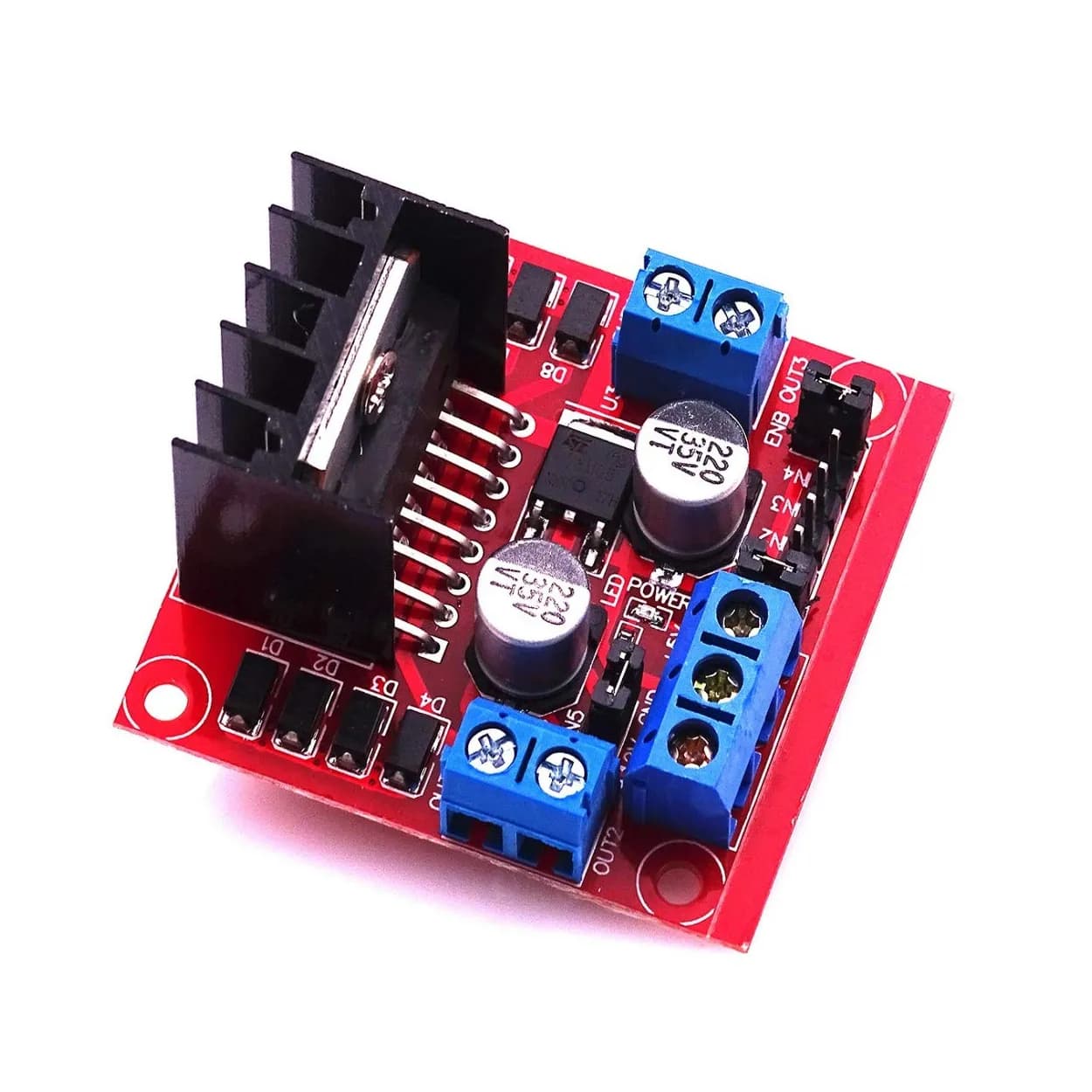
| Adding motors | Needs an extra board | Needs a motor driver |
What it really costs
| Item | Price seen 24 Nov 2026 |
|---|---|
| micro:bit V2 board | Rs 2,199 at Robu |
| micro:bit V2 Go Kit | Rs 2,819 at Robu |
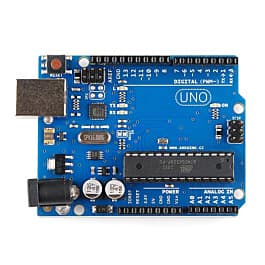
| Uno R3-compatible board with cable | Rs 424 at Robu |
| Official Uno R4 WiFi (Made in India edition) | Rs 1,649 at Robu |
| Uno R3 starter kits | About Rs 859 to 2,319 at Robu; contents differ, so compare parts lists |
| Our Mini Arduino Starter Kit | Rs 1,649, or Rs 1,566.55 with the 5% offer shown, on our site |
Robu showed free delivery above Rs 999, and we show free standard delivery on eligible orders from Rs 1,499, so check the cart for the final total. Prices move. Do not compare a bare Uno with a micro:bit. The micro:bit already has sensors and a display, while the Uno needs parts before it can do much.

Choose a micro:bit if
- Your child is about 8 to 11, or new to both coding and electronics.
- You want to use a tablet or phone some of the time.
- You want results in the first ten minutes.
- School already uses it.
Choose an Arduino if
- They want to learn how circuits are wired.
- They are ready for typed code, or nearly.
- They want robots, home projects or science exhibition models.
- You want a low-cost path with standard parts.
For Wi-Fi projects, compare boards in Arduino vs ESP32 vs Raspberry Pi Pico.

Five projects to picture it
| Project | Easier with |
|---|---|
| Step counter | micro:bit |
| Rock, paper, scissors by shaking | micro:bit |
| Two-player radio messages | micro:bit, with two boards |
| Automatic plant watering | Arduino |
| Line-following robot car | Arduino |
Moving from one to the other
Ideas carry over: inputs, outputs, loops and conditions. What is new is wiring, and then typed code. Try Tinkercad Circuits, which simulates both boards, before buying the second one.
Frequently asked questions
Is the micro:bit a toy?
It is a small programmable computer made for learning.
Can a micro:bit build a robot?
Yes, with a motor board and chassis that match it.
Is Arduino too hard for a 9 year old?
Usually not with blocks and a parent alongside. Alone and in typed code, often yes.
Which will last longer?
Both can last years. Arduino has a wider choice of low-cost parts.

Thinking Robot Team
Thinking Robot is a team of engineers and educators in Pune who design electronics and robotics kits and run hands-on workshops for students and schools. Spotted a mistake or have a question? Get in touch.