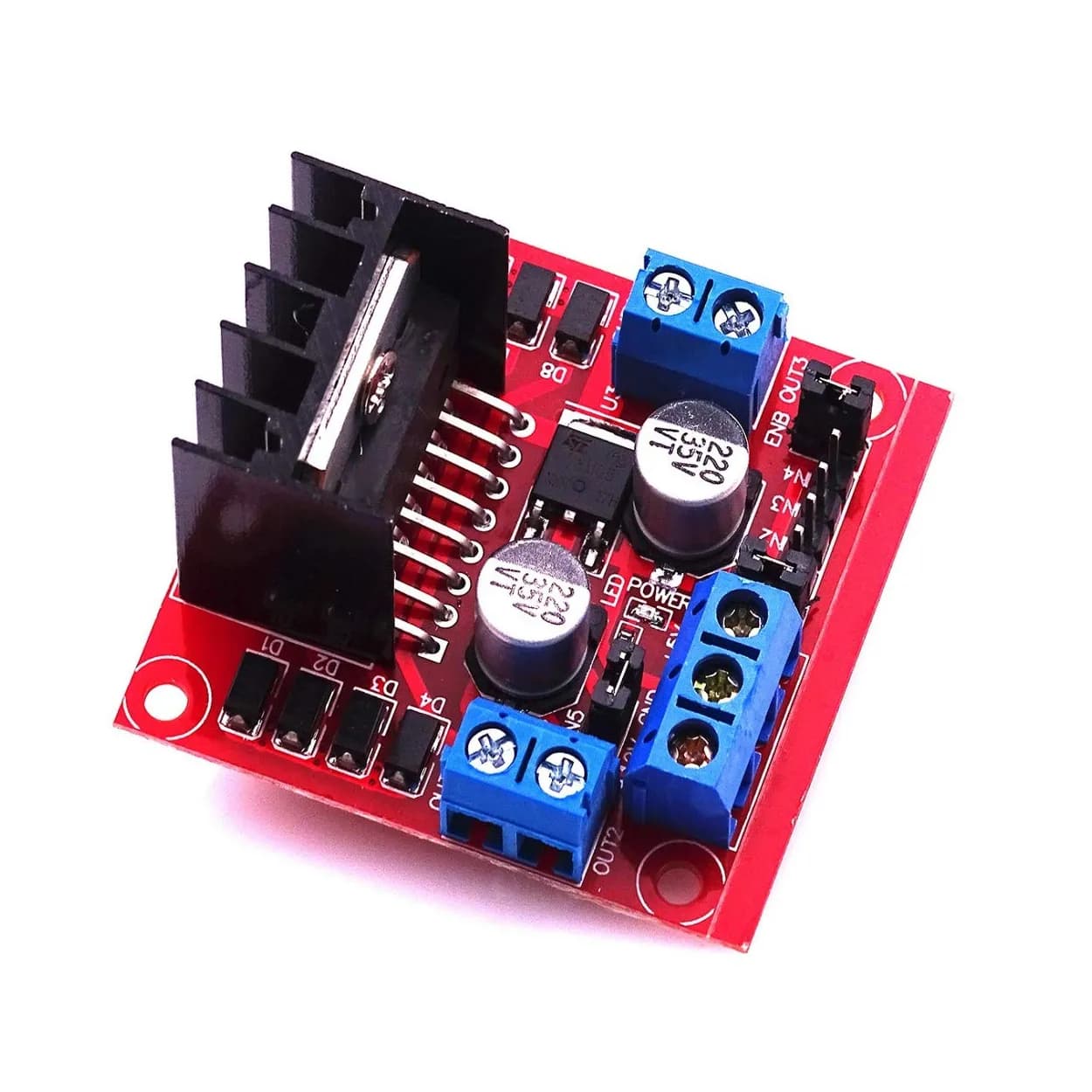
🧩Scratch or Arduino for Kids? When to Start Each, and How to Move Between Them
Scratch or Arduino first? Official ages and accounts, signs your child is ready to move on, and a four-step bridge so they don't give up.
In this article (10)
Start with Scratch if your child has never coded. Add Arduino when they can build a small game without following a tutorial and want something real to move or light up. There is no official rule for when to switch, so watch for readiness rather than a birthday.
What each one is
| Scratch | Arduino | |
|---|---|---|
| What you make | Stories, games, animations on screen | Circuits that sense, light and move |
| Stated ages | 8 to 16; ScratchJr 5 to 7 | Arduino's Student Kit says 11 to 14 |
| Cost | Free | Software free to download; parts cost money |
| Device | Computer or tablet; phones only view | Computer |
| Language | Hindi yes; Marathi not in the menu when we checked | English terms in code |
| When it fails | Usually logic | Logic, wiring or power |
The last row matters most. Scratch has one kind of mistake. Arduino has three, and a beginner cannot tell which is which.
Seven signs your child is ready
- Builds a small Scratch project from their own idea.
- Uses "if", "repeat" and a variable without help.
- Can explain what their program does in order.
- Finds a bug by testing one thing at a time.
- Types slowly but patiently.
- Follows a drawing with small parts.
- Asks for something that moves, beeps or lights up.
Four or more is a good time to try. Fewer is a good reason to stay with Scratch a little longer.
A four-step bridge
| Step | Do this | Why |
|---|---|---|
| 1 | Make a Scratch game with a score and a timer | Variables and conditions |
| 2 | Build a circuit in Tinkercad Circuits with blocks | Circuits without broken parts |
| 3 | Switch to Blocks + Text and read what each block becomes | Text stops being scary |
| 4 | Change one number in the text, then wire the same circuit for real with an adult | One new thing at a time |
Our LED blink guide is a good fourth step.
Accounts and permissions
- Scratch: new accounts under 16 need a parent's email permission. Children can make and save before that, but not share or comment. Prefer no account? Use the offline app.
- Arduino: the downloaded editor is separate from online accounts. Accounts for under 14s and for 14 to 17s have their own parent steps.
Rules can depend on country and age, so read the page when you sign up.
Mistakes that make children quit
- Buying a 40-part kit in week one.
- Skipping to typed code because a cousin did.
- A parent fixing every bug.
- Starting wiring and text on the same day.
Frequently asked questions
Is Scratch only for little children?
No. Its parents' page says it is designed especially for ages 8 to 16, but that people of all ages use it.
Can Scratch control an Arduino?
We did not see Arduino among Scratch's own extensions when we checked. Some other block editors support it.
My child is 13 and never coded. Skip Scratch?
Two or three Scratch afternoons are worth it. Then move quickly.
Which kit after Scratch?
See which kit suits my child, and check whether it needs a computer.
Thinking Robot Team
Thinking Robot is a team of engineers and educators in Pune who design electronics and robotics kits and run hands-on workshops for students and schools. Spotted a mistake or have a question? Get in touch.